
How to Improve Internet Speed at Home Without Changing ISP

Slow internet can be frustrating, especially when everything seems fine on paper. You’re paying for a certain speed, your ISP says there’s no issue, but browsing, streaming, or video calls still feel sluggish. The good news is that in many cases, you can improve internet speed at home without changing your ISP.

This guide focuses on practical, beginner-friendly steps you can apply right away. No technical background required, no expensive upgrades, and no exaggerated promises—just realistic improvements that often make a noticeable difference.


Why Home Internet Feels Slow Even With a Good Plan

Internet speed issues aren’t always caused by your ISP. Many problems happen inside your home, between your devices and the router.

Common causes include:

  • Poor router placement
  • Too many connected devices
  • Outdated hardware or settings
  • Wi-Fi interference
  • Background apps using bandwidth

Understanding these factors helps you fix the real problem instead of assuming your plan …
Built-In Security Tools vs Third-Party Apps: Which Is Enough for Daily Use?

Most modern devices come with built-in security tools already installed. Windows has its own protection system, smartphones include security features by default, and browsers now warn users about unsafe websites. This often leads to a common question: are built-in security tools enough, or do you still need third-party security apps for daily use?

If you’re an everyday user—not a security expert—this guide will help you understand the real differences, what each option does well, and how to choose what’s right for your daily routine.


Why This Question Matters

Online threats aren’t always dramatic or obvious. Many issues come from simple, everyday actions:

  • Clicking a fake email link
  • Downloading the wrong file
  • Using weak passwords
  • Connecting to public Wi-Fi

Security tools exist to reduce these risks. The challenge is knowing how much protection is enough without overcomplicating things.


Understanding Built-In Security Tools

Built-in security tools are the protection features that …

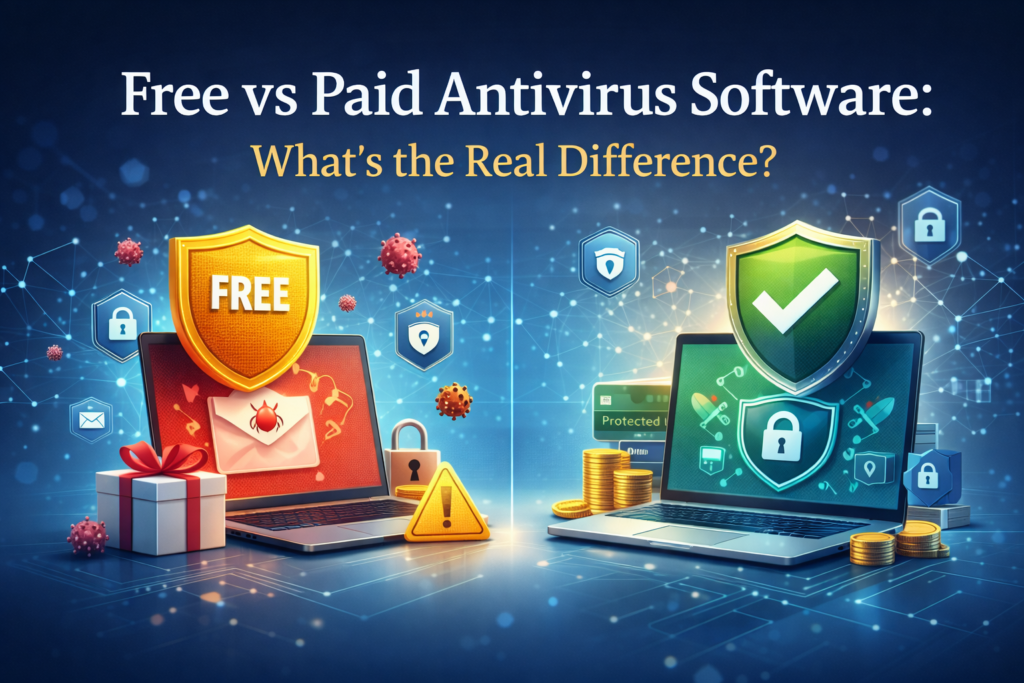
Free vs Paid Antivirus Software: What’s the Real Difference?

Free vs paid antivirus comparison

If you use a computer or smartphone regularly, antivirus software is probably something you’ve heard about—or already use. But many people still wonder: is free antivirus enough, or is paid antivirus actually worth the money?

This question comes up often, especially for everyday users who want protection without unnecessary complexity. In this article, we’ll break down the real differences between free vs paid antivirus software, explain what each option is best for, and help you decide which one fits your needs.


Why Antivirus Software Still Matters Today

Modern devices are more connected than ever. While operating systems have improved their built-in security, online threats haven’t disappeared. In fact, they’ve become more subtle.

Common risks include:

  • Malware hidden in downloads
  • Phishing emails that look legitimate
  • Fake websites designed to steal login details
  • Unsafe apps and browser extensions

Antivirus software helps detect and block these threats before they cause real damage. …

How to Fix “Storage Almost Full” Issues on Android Phones

Seeing a “Storage Almost Full” warning on your Android phone can be frustrating—especially when you’re not sure what’s actually taking up space. Photos, apps, system files, and cached data can quietly pile up until your phone slows down or refuses to install updates.

The good news? You usually don’t need a new phone or paid apps to fix this. With a few smart steps, you can free up space, improve performance, and keep storage under control. This guide explains why storage fills up, how to clear it safely, and how to prevent the problem from coming back.


Why Android Storage Fills Up So Fast

Android storage isn’t just for apps and photos. Several hidden factors contribute to low storage:

  • App cache and temporary files
  • Duplicate photos and videos
  • Old downloads you forgot about
  • Offline content (music, maps, videos)
  • Messaging apps storing media automatically
  • System data growing after updates

Even …

How to Stop Spam Emails Without Missing Important Messages

Spam emails are more than just annoying. They clutter your inbox, waste your time, and sometimes carry real security risks. At the same time, most people worry that being too aggressive with spam filters could cause them to miss important emails from work, banks, or services they actually use.

The good news is that you don’t have to choose between a clean inbox and important messages. With the right habits and settings, you can significantly reduce spam without losing emails that matter. This guide walks you through practical, beginner-friendly steps that work on most email platforms.


Why Spam Emails Keep Coming Back

Spam exists because it still works. Even if only a tiny percentage of people click on spam emails, that’s enough to keep senders active.

Common reasons you receive spam include:

  • Your email address was shared or sold by a website
  • You signed up for services without checking