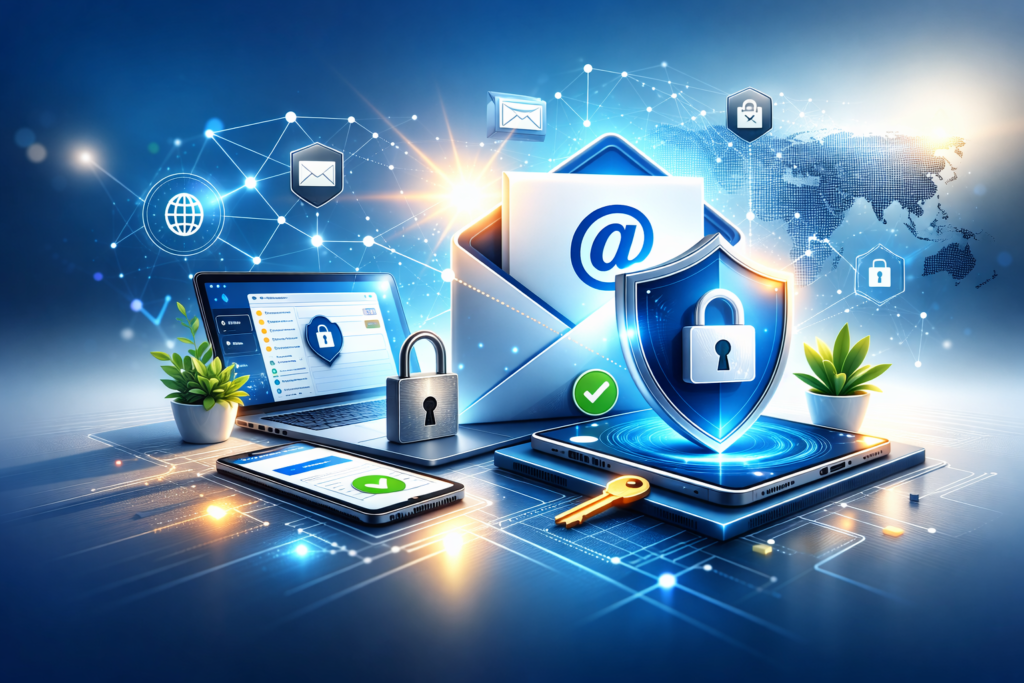
Your email account is one of the most important digital assets you own. It’s often used to reset passwords, receive sensitive information, and verify your identity across many online services. That’s why email accounts are a common target for hackers. If someone gains access to your email, they may be able to compromise multiple accounts at once.
The good news is that securing your email account doesn’t require advanced technical knowledge. By following clear, practical steps and building good habits, you can significantly reduce the risk of unauthorized access. This guide explains how to secure your email account from hackers in a simple, beginner-friendly way.
Why Email Security Matters
Email is more than just a communication tool. It acts as a central hub for your digital life. When an email account is compromised, attackers may:
- Reset passwords on other services
- Read private messages and attachments
- Impersonate you to scam contacts
- Access personal or financial information
Protecting your email account helps protect everything connected to it.
Use a Strong, Unique Password
Your password is the first and most important line of defense. Weak or reused passwords make it easy for attackers to break in.
Best practices for email passwords:
- Use a long password with letters, numbers, and symbols
- Avoid personal information like names or dates
- Never reuse the same password on other websites
A unique password ensures that even if another service is compromised, your email remains protected.
Enable Two-Step Verification
Two-step verification adds an extra layer of security by requiring a second confirmation during login. This is often a code sent to your phone or another trusted device.
Why this matters:
- Passwords alone can be stolen or guessed
- A second step blocks most unauthorized access attempts
Always enable this feature for your primary email account and recovery email if available.
Secure Your Recovery Options
Recovery options are designed to help you regain access if you forget your password. However, if they’re outdated or unsecured, hackers can exploit them.
Check and update:
- Recovery email address
- Recovery phone number
- Security questions
Make sure all recovery details belong to you and are kept private.
Watch Out for Phishing Emails
Phishing is one of the most common ways hackers steal email credentials. These messages often look legitimate and create a sense of urgency.
Common warning signs include:
- Requests to verify account information
- Unexpected attachments or links
- Misspelled sender addresses or domains
- Threatening or urgent language
Never click suspicious links or download attachments unless you’re certain they’re safe.
Keep Your Devices Secure
Even a well-protected email account can be compromised if your device isn’t secure.
To protect your devices:
- Lock your screen with a password or biometric security
- Keep your operating system updated
- Avoid using shared or public computers for email access
A secure device helps ensure your email stays private.
Review Account Activity Regularly
Most email providers allow you to view recent account activity. This can reveal suspicious logins or unfamiliar locations.
Get into the habit of:
- Checking login history
- Reviewing active sessions
- Signing out of unknown devices
Early detection can prevent serious damage.
Be Careful With Public WiFi
Public WiFi networks are convenient but risky. Hackers can sometimes intercept data on unsecured networks.
Safer habits include:
- Avoid logging into email on public WiFi
- Log out after checking messages
- Use secure, encrypted connections whenever possible
Limiting email access on public networks reduces exposure.
Limit Third-Party App Access
Many apps request access to your email account for convenience. Over time, these permissions can add up and create security risks.
Review connected apps and:
- Remove access for apps you no longer use
- Avoid granting full access unless necessary
- Check permissions regularly
Fewer connections mean fewer potential entry points.
Keep Your Email Software Updated
Updates often include security improvements that protect against new threats.
Make sure to:
- Enable automatic updates
- Use the latest version of your email app
- Avoid outdated email clients
Staying updated helps block known vulnerabilities.
Common Mistakes to Avoid
When trying to secure an email account, people often make avoidable mistakes.
Be careful not to:
- Reuse passwords across accounts
- Ignore security alerts
- Trust unexpected messages too quickly
- Delay enabling extra security features
Small oversights can lead to big problems.
Tips for Long-Term Email Security
Good habits make a lasting difference.
Helpful practices include:
- Changing passwords periodically
- Reviewing security settings every few months
- Being cautious with links and attachments
- Educating yourself about common scams
Consistency is more effective than one-time fixes.
Frequently Asked Questions
Is two-step verification really necessary?
Yes. It’s one of the most effective ways to block unauthorized access, even if your password is compromised.
How often should I change my email password?
Change it if you suspect a breach or every few months for added security.
Can hackers access my email without my password?
In some cases, yes, through phishing, malware, or unsecured recovery options. That’s why layered security is important.
Should I use the same email for everything?
It’s safer to separate important accounts from less critical sign-ups when possible.
Final Thoughts
Securing your email account from hackers is one of the smartest steps you can take to protect your digital life. By using strong passwords, enabling extra security layers, staying alert to phishing attempts, and reviewing account activity, you can greatly reduce the risk of unauthorized access.
Email security isn’t about being paranoid. It’s about being prepared. With the right habits and a bit of awareness, you can keep your email account safe and maintain control over your online presence with confidence.